
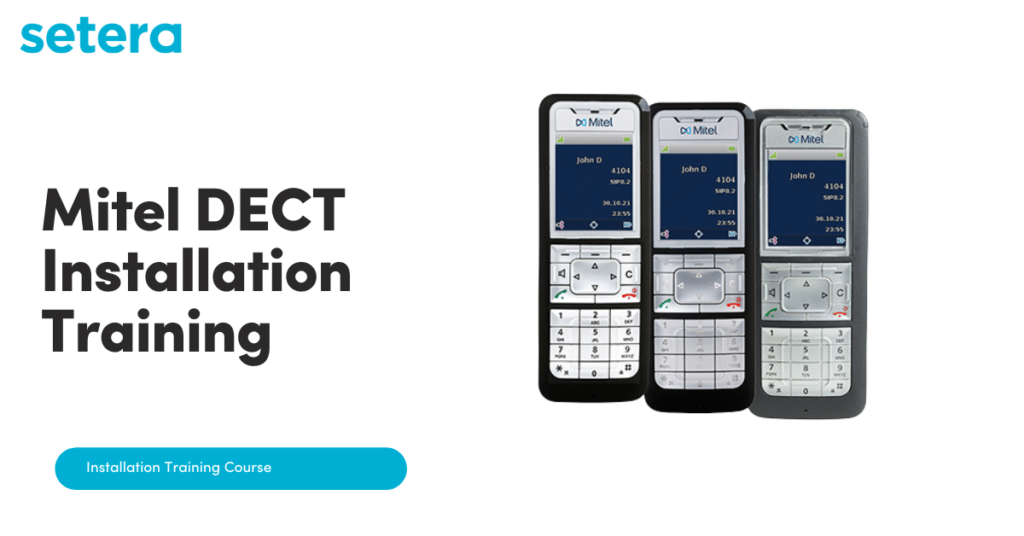
Welcome to your training
Setera has earned a reputation of performing professional installations in many countries around the globe. Before an installation is performed, which will integrate with the Setera network, the installation is often the ONLY physical contact with end users. As such all Installation staff should be suitably trained/certified, professional in appearance, have the correct installation tools and ensure that all prerequisites are in place. We’re here to help prepare you.
Take a look at the course curriculum below and when you’re ready, click on a lesson to jump right in!
Course Content
Course Introduction
Survey and Installation Guidelines
DECT Trouble Shooting
Installations pre-requisites and considerations
You don't currently have access to this content
How to install the Softphone for PC
You don't currently have access to this content
How to install the Softphone for Mac
You don't currently have access to this content
How to install a DECT system
You don't currently have access to this content
Registering and logging new Mitel DECT 612d terminals
You don't currently have access to this content
How to login as a user to DECT phone
You don't currently have access to this content
How to perform a survey including a survey template example
You don't currently have access to this content
How to perform an installation
You don't currently have access to this content
How to perform an installation example template
You don't currently have access to this content
How to set the signal strength on a Mitel DECT handset
You don't currently have access to this content
How to Factory default a RFP44/45
You don't currently have access to this content
Logging into Mitel DECT 6x2d terminal advanced menus
You don't currently have access to this content
Adding a new DECT RFP base station
You don't currently have access to this content
DECT – One way audio
You don't currently have access to this content
How do I Factory Reset a Mitel 6x2d Handset?
You don't currently have access to this content
Setera OneCloud Mitel DECT Phone – Fault Finding Guide
You don't currently have access to this content